

Thinking about buying a used car? An OBD2 scanner can tell you if the vehicle is hiding trouble codes that point to mechanical problems. Here's exactly how to check a used car with an OBD2 scanner—and what the results actually mean.
In this article
- What an OBD2 Scanner Actually Does
- Step 1: Locate the OBD2 Port
- Step 2: Power Up the Vehicle
- Step 3: Connect Your Scanner
- Step 4: Read the Codes
- Step 5: Research What the Codes Mean
- Step 6: Check for Pending Codes
- Why You Still Need a Professional Inspection
- Common Codes You Might See
- Red Flags That Should Stop You Cold
- Make the Scanner Part of Your Used Car Routine
What an OBD2 Scanner Actually Does
An OBD2 scanner plugs into your car's diagnostic port and reads fault codes stored in the engine computer. These codes trigger or would trigger a check engine light if active.
Related: Check Engine Light Scanner: What It Does & How to Use One
The reality: a scanner shows you what's wrong right now or what was wrong recently. It doesn't tell you if the car was in a wreck, how well it was maintained, or whether the seller cleared codes before you showed up.
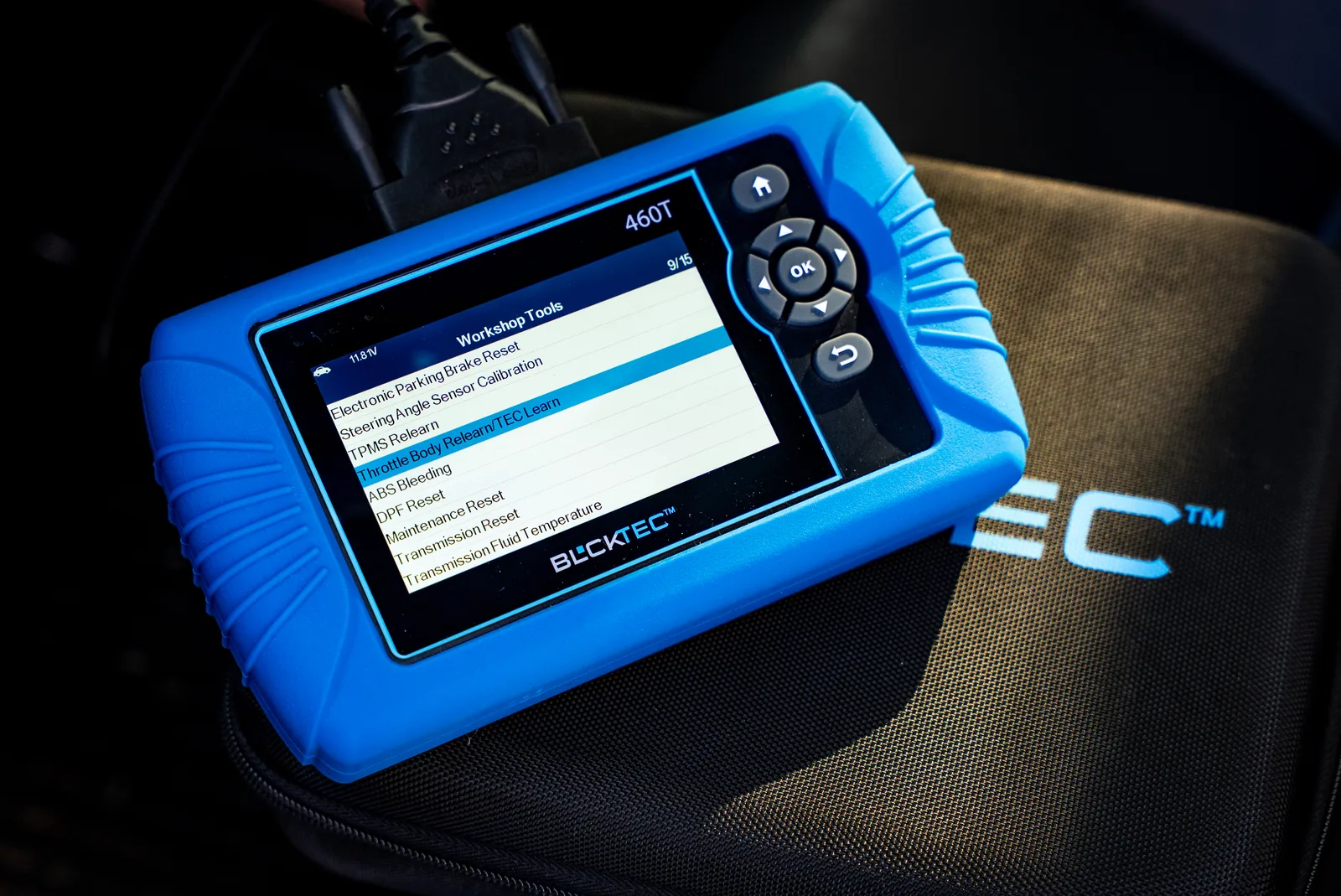
Think of it as a window into the engine's recent health, not a full medical report. You still need a visual inspection, a test drive, and ideally a professional mechanic's pre-purchase evaluation. But an BLCKTEC scanner gives you quick, concrete information before you spend money on a full inspection.
Related: Best OBD2 Scanner for Used Car Inspection 2026: Top 5 Ranked
Step 1: Locate the OBD2 Port
The OBD2 port is a rectangular connector under the steering wheel on most cars made after 1996.
Get down and look under the dashboard on the driver's side. You'll see a plastic port about the size of your thumb—usually mounted on the underside of the dashboard, sometimes on the steering column itself. Some vehicles hide it further back or slightly to the right, so check the owner's manual if you can't find it immediately.
Step 2: Power Up the Vehicle
Turn the ignition to the "On" position without starting the engine. You don't need the engine running for most basic diagnostics—just electrical power flowing to the computer.
This is important: make sure the battery has a decent charge. A weak battery can cause scanning errors.
Step 3: Connect Your Scanner
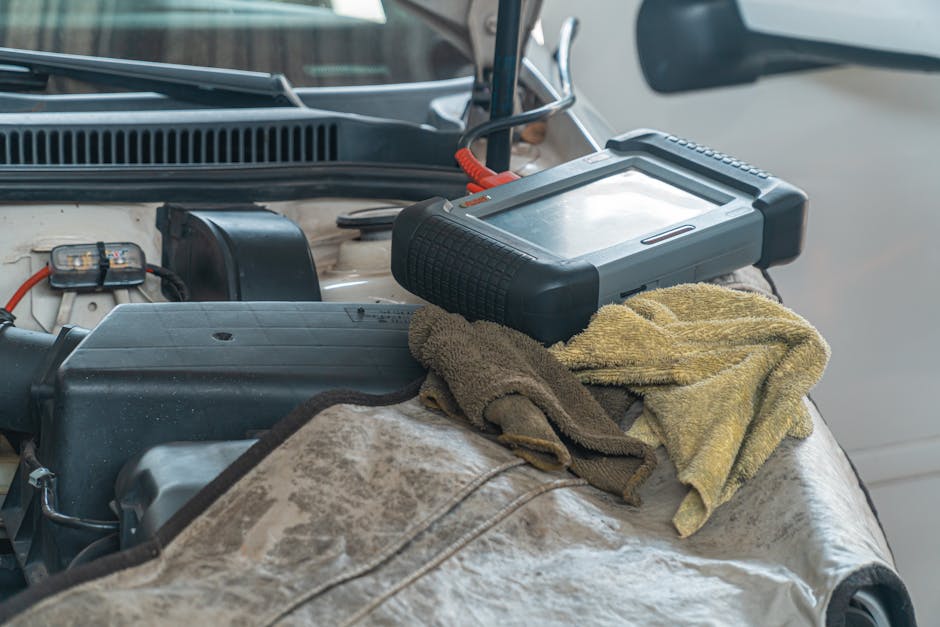
Plug your OBD2 scanner firmly into the port. You should hear or feel a click when it seats properly.
Wait a few seconds for the scanner to communicate with the vehicle's computer. Most scanners will display a menu or ask you to select your vehicle's year, make, and model—or they'll auto-detect it.
Step 4: Read the Codes
Select "Read Codes" or "Scan" from your scanner's menu. The device will pull all stored fault codes from the engine computer.
You'll get a list that looks something like this: P0300 (Random/Multiple Cylinder Misfire), P0171 (System Too Lean Bank 1), or P0420 (Catalyst System Efficiency Below Threshold).
Write down every code. Document them exactly as they appear, including the letter and numbers.
Step 5: Research What the Codes Mean
Now comes the detective work. Each code has a meaning, and that meaning tells you whether the problem is serious or minor.
Use a free code lookup tool like Car-Codes.com or your scanner's built-in code database to find out what each code means. Some codes are warnings. Others point to real problems that need fixing.
Looking for an OBD2 Scanner?
Explore BLCKTEC →Related: How to Diagnose Car Problems with Scanner: Step-by-Step Guide
Example: a P0455 (Evap System Leak Detected) might be a loose gas cap or a cracked fuel line—two very different repair bills. You need to understand the difference.
Pro tip: if you're not confident interpreting the results, take a photo of the codes and text a local mechanic or post them in a car enthusiast forum. Second opinions are free.
Step 6: Check for Pending Codes

Most scanners let you see not just active codes (problems happening now) but pending codes (problems that almost triggered the check engine light).
Pending codes are worth noting. They suggest the car might develop bigger issues soon. If you see pending codes, that's a red flag to dig deeper before buying.
Why You Still Need a Professional Inspection
Here's the honest part: dealers and private sellers can—and often do—clear fault codes before putting a car on the lot. If codes have been cleared, your scanner will show a clean bill of health even if the car has serious problems.
Related: When to Use OBD2 Scanner Before Buying Used Car
A clean scan doesn't prove the car is in good shape. It just means there are no active or pending codes right now.
That's why an OBD2 scanner is a first step, not a final answer. A mechanic with diagnostic expertise can:
- Perform a test drive under load to trigger fault codes on cars with intermittent problems
- Check the car's maintenance history and repair records
- Inspect the engine bay, undercarriage, and brakes visually
- Look for signs of past accidents, poor repairs, or water damage
Common Codes You Might See
Not every code means the car is a lemon. Here's what some common ones usually indicate:
P0300 (Random Misfire): Could be bad spark plugs ($100-300 fix) or a catalytic converter problem ($500+ fix). You need a mechanic to diagnose which one.
P0420 (Catalyst Efficiency): Usually a failing catalytic converter.
P0171 (System Too Lean): Could be a bad oxygen sensor, fuel injector, or fuel pump. Diagnosis required.
P0455 (Evap Leak): Often just a loose gas cap, but could be a more serious leak. Cheap or moderately priced fix.
P0128 (Coolant Temp Low): Usually a bad thermostat. Moderate cost repair.
The point: you can't know the repair cost or severity without research or professional help. Don't panic at a code name. Just take it seriously enough to investigate.
Red Flags That Should Stop You Cold
Some codes mean you should walk away from the deal without a second thought:
- Multiple misfire codes (P0300, P0301, P0302, etc.) - suggests major engine problems
- ABS or brake system codes - safety-critical issues you don't want to inherit
- Electrical system codes appearing repeatedly - could indicate a major electrical fault
Make the Scanner Part of Your Used Car Routine
An OBD2 scanner is an affordable tool that every used car buyer should use. You'll catch problems before you commit to a purchase and avoid walking into a repair shop with someone else's problems on your hands.
BLCKTEC makes this process straightforward with easy-to-use scanners that pull codes clearly and support you with real customer service when you have questions about what you're seeing.
Buy the scanner, learn the process, and you'll have peace of mind on every used car you check from now on.
Can an OBD2 scanner tell me if a car was in an accident?
No. A scanner only reads fault codes from the engine computer. It won't show airbag deployment history, frame damage, or paint overspray. You need a visual inspection, a mechanic's review, or a professional accident history report (like CarFax) for that information.
What if the used car has no fault codes?
A clean scan is good news—but it's not a guarantee the car is healthy. Sellers often clear codes before sale. Even if codes were never there, the car could have worn brakes, transmission problems, or suspension damage that don't trigger fault codes. Always pair a scanner with a test drive and a professional pre-purchase inspection.
Do I need a fancy scanner or will a basic one work?
A basic scanner that reads and clears codes is plenty for checking a used car. You don't need advanced features like live data streaming or manufacturer-specific codes. A simple, reliable scanner does the job and costs half as much. Entry-level scanners from BLCKTEC handle used car diagnostics perfectly.
Should I buy the car if it has a check engine light on?
Only if you know what code is causing it and you're willing to fix it. Run a scan, find the code, research the repair cost, then decide if the car's price reflects that repair. Never buy a car with an active check engine light unless you've diagnosed the problem and negotiated the price down accordingly.
Looking for an OBD2 Scanner?
Explore BLCKTEC →