

Buying a used car is like buying a mystery box. You can take it for a test drive, kick the tires, and check the odometer, but you won't know what's really going on under the hood until something breaks. That's where a diagnostic tool can save you thousands. Using an OBD2 scanner before you buy lets you read the vehicle's trouble codes and spot problems that the seller might be hiding or that don't show up during a quick spin around the block.
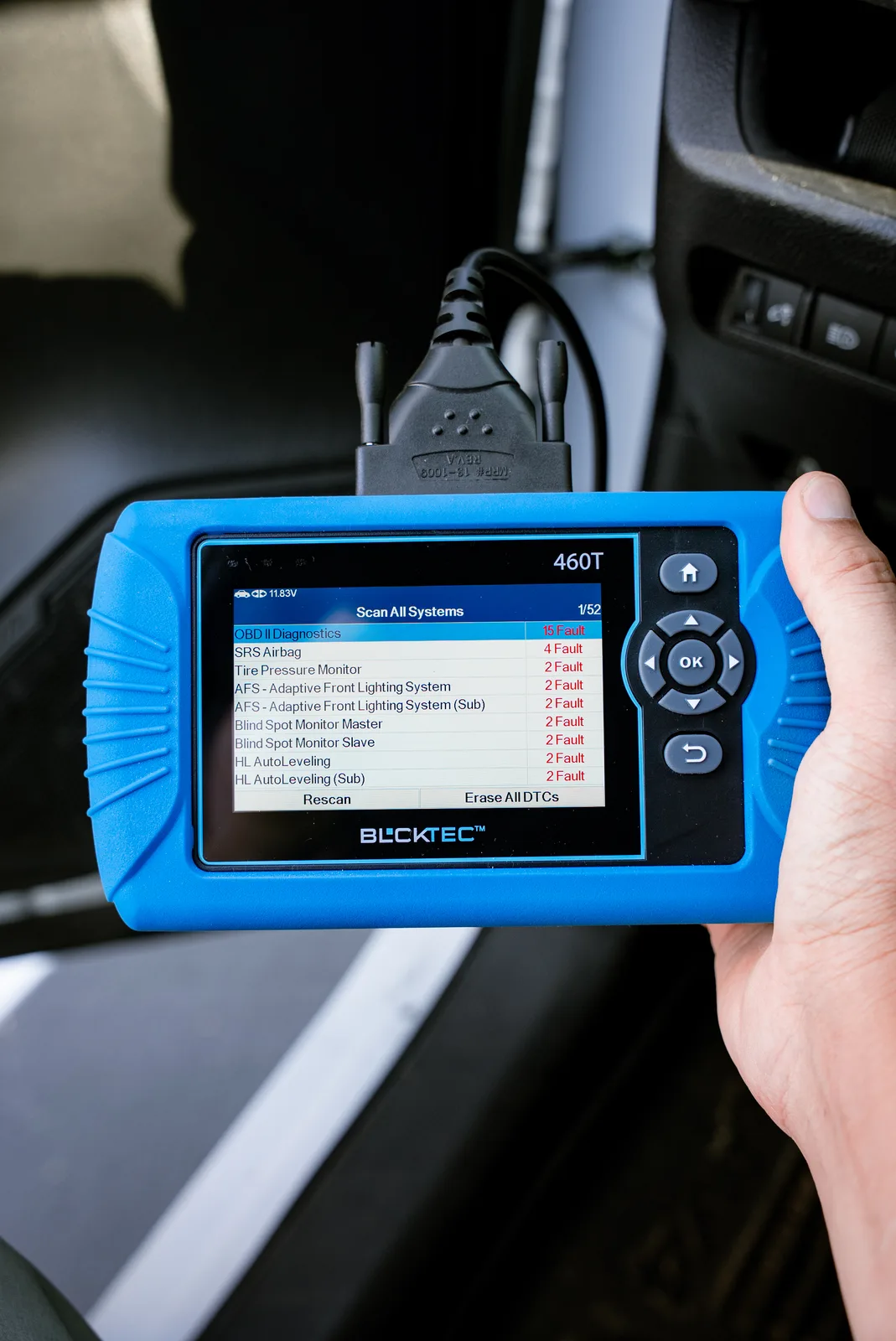
Here's how to check a car before buying with a diagnostic tool, step by step.
In this article
- Why You Need to Scan a Car Before Buying
- Where to Find the Diagnostic Port on Any Car
- How to Scan a Used Car for Trouble Codes
- Combining Scanner Results With a Physical Inspection
- What Trouble Codes Mean and How to React
- Know the Red Flags That Kill a Deal
- Getting the Right Diagnostic Tool for the Job
- Three Steps to Use Your Scanner at the Dealership or Private Sale
- Making Your Final Decision
- FAQs About Pre-Purchase Car Diagnostics
Why You Need to Scan a Car Before Buying
A seller can clear your dashboard warning lights. They can hide problem codes. They can even replace a burned-out bulb in the instrument cluster so you never know an issue exists. What they can't hide from a diagnostic scanner.
When you plug an OBD2 scanner into a car's diagnostic port, it reads every fault code stored in the vehicle's computer. Some codes are active right now. Some are historical codes the seller tried to bury. Either way, they tell you what's broken or about to break.
A pre-purchase scan gives you leverage in negotiations and saves you from buying a lemon.
Where to Find the Diagnostic Port on Any Car
Every car made after 1996 has an OBD2 port. It's a small rectangular connector, usually about 16 pins, and it's located under the dashboard on the driver's side. Look beneath the steering wheel, sometimes tucked behind a plastic panel or cover.
In some cars, it's mounted higher up on the dash. In others, it's lower and toward the left. If you can't spot it, pop the hood and check the engine bay. The port is designed to be easy to access, so don't overthink the search.
Once you find it, you're ready to plug in your scanner and run a full diagnostic.
How to Scan a Used Car for Trouble Codes
Plug your OBD2 scanner into the diagnostic port and turn on the ignition. Don't start the engine yet, just turn the key to the "On" position. Most scanners will power up and connect to the vehicle's computer automatically.
Select "Read Codes" or "Scan for Faults" on your scanner's menu. Wait for the scan to finish. This usually takes less than a minute.
Write down every code that appears on the screen. Each code is a clue to what's wrong. P0101 might point to an airflow sensor problem. P0420 might mean the catalytic converter is failing. P0500 could indicate a faulty speed sensor.
Don't just look at the codes. Read the descriptions your scanner provides. That's where the real story lives.
Combining Scanner Results With a Physical Inspection
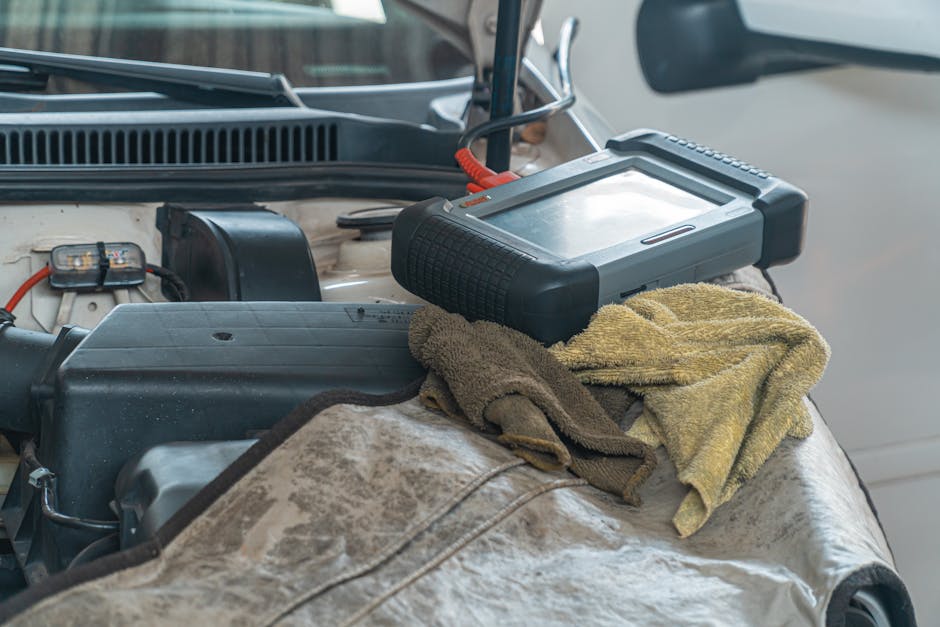
A diagnostic scanner is powerful, but it's not magic. Use it alongside a hands-on visual check to get the full picture.
While you're there, pop the hood and look for fluid leaks. Check underneath the car. Look for fresh oil spots, coolant stains, or transmission fluid pooling on the ground or engine components. A puddle under the car means something is leaking now, and that's a red flag.
Turn on the ignition and look at the dashboard. Do all the warning light bulbs light up, or are some burned out? A missing bulb is a cheap trick to hide active warnings. If you see missing bulbs, that's a sign the seller is being sneaky.
Take the car for a real test drive, not just around the block. Feel how it handles. Listen for strange noises. Pay attention to how the transmission shifts. Electronics tell you one part of the story. Your senses tell you the rest.
What Trouble Codes Mean and How to React
Not every trouble code means the car is junk. Some codes are minor. Others are deal-breakers.
A code pointing to transmission problems, engine knock, or a catalytic converter failure could cost thousands. Multiple codes across different systems is a bad sign. A single code in isolation is less scary.
Take your list of codes and do a quick online search. Most code descriptions are straightforward. Better yet, snap photos of the codes with your phone and send them to a trusted mechanic for a quick opinion before you commit.
Never buy a car with codes you don't understand. Ask questions. Demand answers. If the seller won't explain the codes or get defensive, that's your signal to walk away.
Know the Red Flags That Kill a Deal
Some trouble codes should make you walk out the door immediately. Engine knock or detonation codes mean the engine is in pain. Transmission codes mean expensive repairs ahead. Frame damage codes indicate structural problems that affect safety.
A car that won't communicate with your scanner is also a problem. If you plug in and get nothing, the vehicle's computer might have been deliberately disconnected or damaged.
Multiple active codes from different systems often point to a bigger underlying issue, like a bad alternator draining the battery and causing cascade failures. That's not a quick fix.
If you're unsure what you're looking at, BLCKTEC's customer support team can help you interpret what your scanner is telling you. Get a second opinion before you hand over money.
Looking for an OBD2 Scanner?
Explore BLCKTEC →Getting the Right Diagnostic Tool for the Job
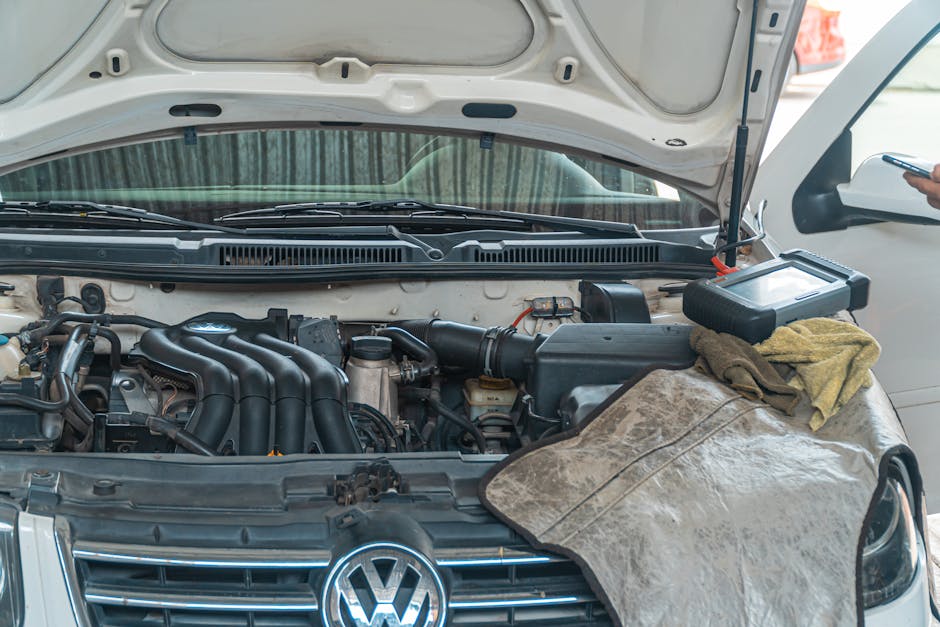
You don't need a fancy scanner to read codes before buying a car. A basic entry-level scanner reads all standard fault codes and gives you the information you need to make a smart decision.
Look for a scanner that's easy to use, has a clear screen, and can read both active and stored codes. Unlimited scans are huge because you're not paying per diagnostic. US-based customer support matters too. If you have a question about what a code means, you want someone who speaks your language and isn't charging you by the minute.
The tool should work on any car made after 1996, whether it's a Honda, Ford, Toyota, or Chevy. That's the baseline for any OBD2 scanner worth buying.
Three Steps to Use Your Scanner at the Dealership or Private Sale
Step one: Find the OBD2 port under the dashboard on the driver's side. Plug in your scanner.
Step two: Turn on the ignition without starting the engine. Let the scanner connect and run a full diagnostic scan.
Step three: Write down every code, read the descriptions, and compare the results to your physical inspection of the car. If codes match the leaks, noises, and wear patterns you see, the seller is being honest. If the scan shows major problems but the seller claims the car is perfect, that's a red flag.
Do this before you test drive. Do it before you negotiate. Do it before you walk inside to discuss terms. Knowledge is your strongest bargaining tool.
Making Your Final Decision
A diagnostic scanner isn't a crystal ball. It can't predict the future or tell you exactly how long a car will last. What it does is show you the present state of the vehicle's systems and alert you to problems that need fixing.
Use that information to negotiate a better price, walk away from a bad deal, or feel confident moving forward. Never buy a used car without running a diagnostic scan first. The time it takes and the cost of a scanner pay for themselves the first time you avoid a major repair.
FAQs About Pre-Purchase Car Diagnostics
Can I use a diagnostic scanner to check a car before buying it?
Yes. Any OBD2 scanner designed to read fault codes works on any car made after 1996. Most private sellers and dealerships will let you run a quick scan. If someone refuses, that's suspicious. A legitimate vehicle should have nothing to hide from a diagnostic tool.
What do I do if the scan shows multiple trouble codes?
Write them all down and research each one. Multiple codes often point to a single root cause, like a bad alternator causing multiple electrical failures. Take your list to a trusted mechanic and ask for an estimate to fix them before committing to the purchase. Use the repair estimate as a bargaining chip to lower the asking price.
Will scanning a car damage it or mess with the computer?
No. Diagnostic scanners read information from your vehicle's computer. They don't write to it or change any settings. Plugging in a scanner is completely safe and non-invasive. It's what mechanics do every day.
What's the difference between a handheld scanner and a tablet scanner?
Both read fault codes and give you the same core information. A handheld scanner is compact and portable, perfect for quick checks at dealerships or private sales. A tablet scanner has a bigger screen and more advanced features, but for a pre-purchase inspection, either works. Pick whichever fits your budget and lifestyle.
Looking for an OBD2 Scanner?
Explore BLCKTEC →