

Reading OBD2 codes yourself is easier than you think, and it puts real power in your hands. When your check engine light comes on, most car owners panic and head straight to a repair shop, where a diagnostic scan can run you fifty to a hundred bucks before you even know what's wrong. You can do that scan yourself at home for the cost of a good scanner, and then you'll know exactly what you're dealing with.
OBD2 codes are five-digit alphanumeric trouble codes, like P0301 or C1234, that your vehicle's computer generates when it detects a malfunction. Each code points you toward a specific system or component that needs attention. The process to read OBD2 codes yourself is straightforward: locate your OBD2 port, plug in a scanner, and let it pull the codes from your vehicle's computer. That's it.
Related: Best OBD2 Scanner for Battery & Alternator Codes 2026
Related: OBD2 Scanner ABS and Brake System Codes Explained
Related: Best OBD2 Scanner for Suspension & Steering Codes 2026
In this article
Where Is Your OBD2 Port?
The first step is finding where your OBD2 port lives. On almost every vehicle built after 1996, it's located beneath the steering wheel, usually inside the dashboard on the driver's side. You'll be looking for a rectangular connector about the size of a D-shaped computer port, with 16 pins inside.
Get down low and look under the dash. It might be tucked up in the corner or mounted on a panel below the steering column. Some vehicles have a plastic cover over it, which you can just pop off by hand. Once you find it, you're ready to connect your scanner.
Get Yourself a Scanner
You can't read OBD2 codes without a scanner. This is the tool that plugs into your port, talks to your car's computer, and pulls the trouble codes. You have choices here, from super basic entry-level models up to advanced handheld units with more features.
If you want something simple and affordable that just reads codes and clears them, the 400 - Entry Level scanner gets the job done. For a bit more, BLCKTEC's standard handheld options give you unlimited scans and solid customer support without the bloated feature set.
Looking for an OBD2 Scanner?
Explore BLCKTEC →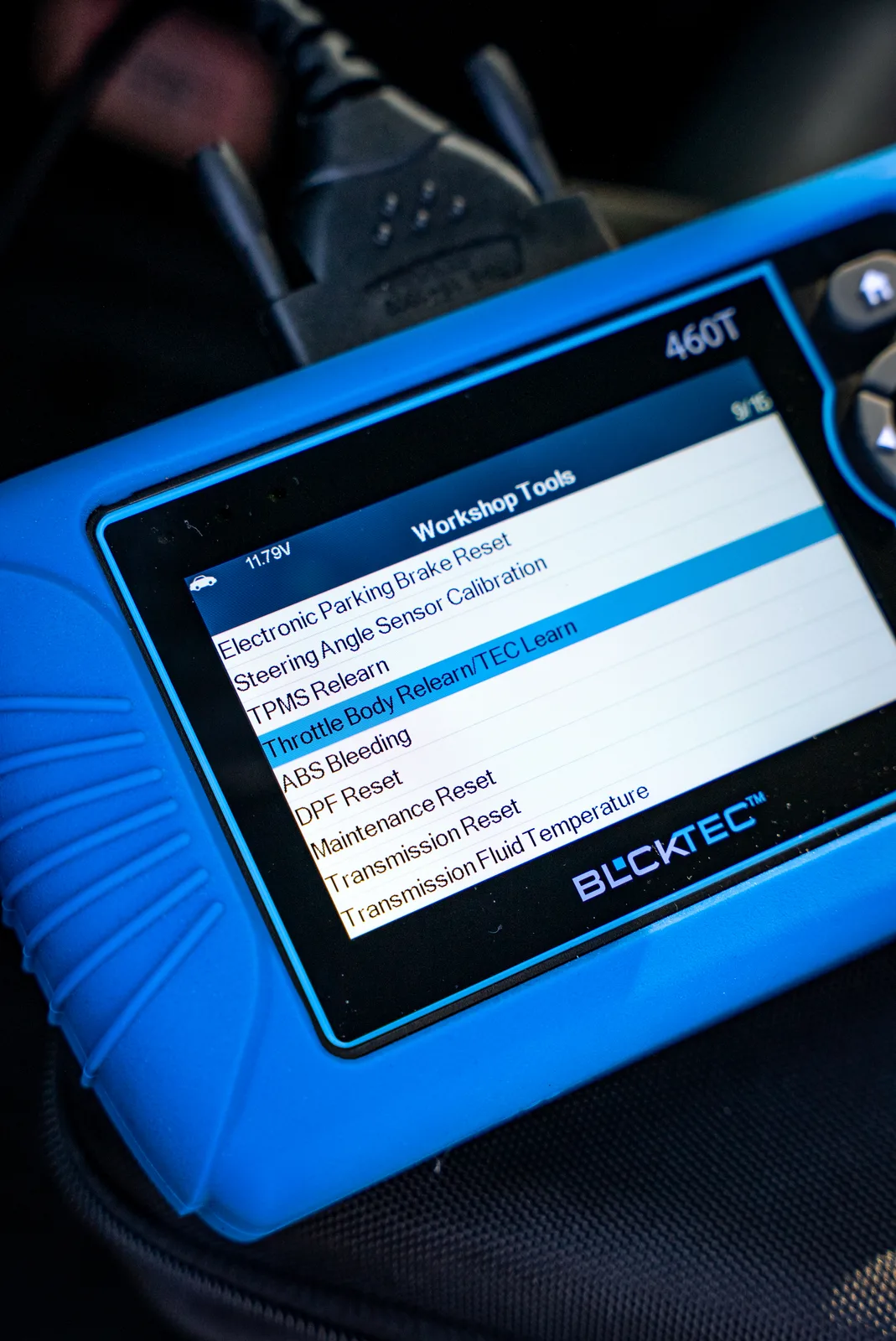
The key thing is making sure whatever scanner you pick actually works with your vehicle. Most modern OBD2 scanners work across all makes and models, but it's worth confirming before you buy.
How to Read OBD2 Codes: The Process
Once you have your scanner in hand, the actual reading process takes just a few minutes.
Step 1: Turn On the Ignition
Sit in the driver's seat and turn your key to the "On" position without starting the engine. Your dashboard lights should come on. This powers up the vehicle's computer so it's ready to communicate with your scanner.
Step 2: Plug In Your Scanner
Take your scanner and push it firmly into the OBD2 port until you hear or feel it click into place. Don't force it, but make sure it's seated all the way.
Step 3: Follow the Scanner Menu
Your scanner will power on automatically once it detects the connection. It will walk you through a simple menu. You'll usually need to select your vehicle year, make, and model (if the scanner asks), then navigate to the option that says "Read Codes" or "Scan for Codes."
Step 4: Read the Codes
The scanner will pull all the codes stored in your vehicle's computer and display them on its screen. Each code will be something like P0300 (random misfire) or P0420 (catalyst system efficiency below threshold). Write down every code that appears.
Step 5: Get the Details
Most modern scanners will give you a brief description of what each code means. That description is your starting point for understanding what system needs attention. Don't panic if you see multiple codes, because sometimes one problem (like a bad oxygen sensor) can trigger several codes at once.
Understanding What Those Codes Mean
OBD2 codes are organized into families, and the first letter tells you which system is involved. A "P" code is the powertrain (engine, transmission, emissions). A "C" code is the chassis (brakes, suspension, steering). A "B" code is the body (windows, doors, seats). A "U" code is the network or communications issue.
The first digit after the letter narrows it down further. A zero in that spot usually means it's a manufacturer-controlled code that's pretty standard across all vehicles. Other numbers point toward more specific or less common problems.
You don't need to be a mechanic to use this information. You just need to know enough to decide your next move. If you see a P0171 code (system too lean), you know it's an engine fuel-system issue. If you're seeing P0401 (EGR flow insufficient), you know it's an emissions system problem. That knowledge helps you talk to a mechanic with confidence, or it might help you decide if it's something you want to tackle yourself.
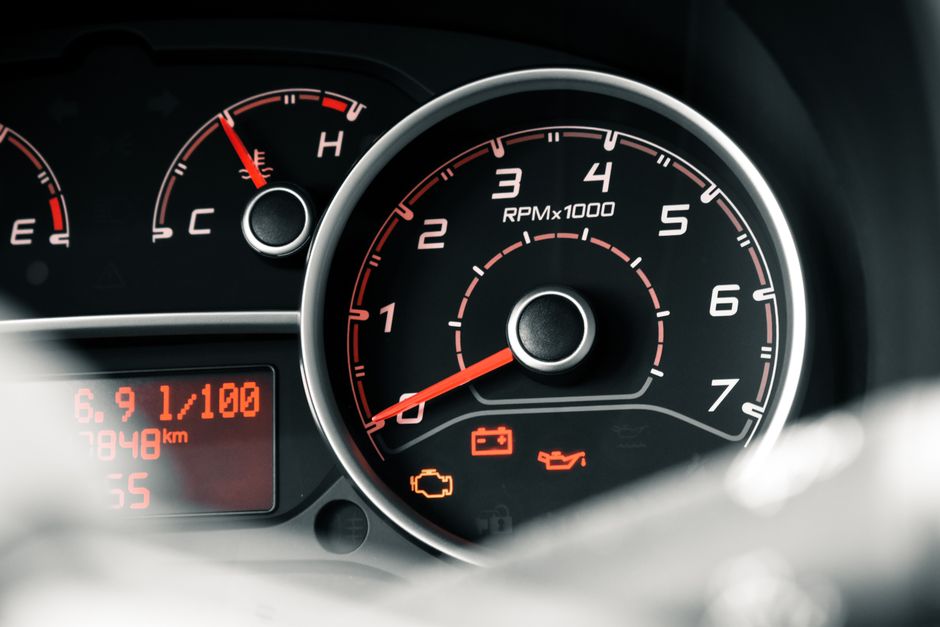
What About the Check Engine Light?
Not all check engine lights mean you need to pull over right now. The light's behavior matters.
If the light is solid and steady, your vehicle is usually safe to drive. The problem is recorded, but it's not an emergency. You can get it scanned at your convenience.
If the light is flashing, that's your car telling you to stop driving it immediately. A flashing light means your engine is misfiring or there's a serious emission control problem happening right now. Pull over safely and get it diagnosed or towed.
Having a scanner lets you figure out which situation you're actually in, instead of just guessing and stressing.
Freeze Frame Data: The Extra Context
When your vehicle's computer logs a trouble code, it also records a "freeze frame" snapshot of what was happening at that exact moment. Engine RPM, vehicle speed, fuel pressure, timing advance, temperature, all of it.
Better scanners will show you this freeze frame data alongside the code. This extra context helps you understand whether the problem happens during acceleration, idling, cold starts, or highway driving. That detail matters when you're trying to figure out whether to replace a part or investigate something else.
If you're looking for a scanner that gives you access to freeze frame data and other diagnostic details, BLCKTEC has options that go beyond the bare minimum without getting unnecessarily complicated.
What You Do Next
Once you've read the codes and understand what they mean, you have options.
You might decide to clear the codes and see if they come back. Some codes are one-time events caused by a glitch or bad gas, and they won't return. If a code comes back immediately, you know it's a real, ongoing problem.
You might decide to research the code online and see if it's something you can fix yourself, like a loose gas cap or a corroded battery connection.
You might take that code information to a trusted mechanic so they know exactly what's wrong before they start digging into your car. That saves you money and gives you confidence that the repair is necessary.
Or you might just feel better knowing what the problem is, even if you decide to have a pro handle it. Peace of mind is worth something.
Why Reading Codes Yourself Saves You Money and Stress
The biggest win is avoiding the repair shop diagnostic fee. That money you save on the first scan alone pays for a decent scanner after a couple of uses.
Beyond the dollars, reading your own codes gives you leverage in conversations with mechanics. You know what the problem code actually is. You can't be upsold on a repair you don't need. You walk in informed, not blind.
And if you're someone who likes working on your own vehicles, a good scanner turns you into a smarter DIYer. You can diagnose problems faster, confirm whether a repair actually fixed the issue, and learn more about how your car works.
Getting Started With a Scanner
If you're ready to take control of your vehicle's health, grab a scanner that fits your needs and budget. Whether you want something basic or a bit more advanced, the process of reading codes is the same. You'll have your answer in minutes, not hours, and you'll know exactly what you're facing before you spend another dime.
Is it legal to read OBD2 codes yourself?
Yes, absolutely. You own the vehicle, and reading your own diagnostic data is legal in the United States. Manufacturers can't prevent you from accessing your own car's onboard computer. This is your right.
Can you drive your car after reading OBD2 codes?
In most cases, yes. If the check engine light is solid (not flashing), your vehicle is usually safe to drive while you figure out the next step. A flashing light means don't drive it. The code itself tells you which situation you're in, so read it first and make an informed decision.
What if you clear the codes and they come back?
That tells you it's a real, ongoing problem, not a one-time glitch. A code that returns after you clear it means something in that system actually needs repair or replacement. That's valuable information. You know now that ignoring it won't work, and you can plan your repair accordingly.
Do all OBD2 scanners read all cars?
Most OBD2 scanners work across all makes and models because the OBD2 standard is universal for all vehicles sold in the U.S. since 1996. That said, some manufacturer-specific codes require scanners with more advanced capabilities. For everyday troubleshooting, a standard OBD2 scanner will read your codes just fine.
Looking for an OBD2 Scanner?
Explore BLCKTEC →