


AutoZone's Fix Finder scan is completely free, takes less than a minute, and reads the trouble codes triggering your Check Engine light, ABS warning, and maintenance alerts. An AutoZone employee plugs a handheld scanner into your vehicle's diagnostic port (usually under the steering wheel), and you get a printout identifying which code is causing the problem. It's convenient, no appointment needed, and honestly a solid first move when a warning light pops up.
But here's the thing: a free AutoZone scan tells you what the problem code is—not what caused it or how to fix it. You walk out with a number like P0300 (random misfire) or P0128 (coolant thermostat), but you might still have questions. That's where understanding the full picture matters.
In this article
- How the AutoZone Scan Actually Works
- What the AutoZone Scan Tells You (and What It Doesn't)
- When AutoZone's Free Scan Is Helpful
- The Case for Owning Your Own Scanner
- AutoZone Scan vs. Owning a Home Diagnostic Scanner
- Is an AutoZone Scan Safe?
- What to Do After Your AutoZone Scan
- Key Takeaway
- Common Questions About AutoZone Scans
How the AutoZone Scan Actually Works
The process is straightforward and designed to be quick. You drive into an AutoZone, walk inside, and ask for a Fix Finder diagnostic scan. An employee grabs their handheld scanner and heads to your vehicle with you.
Related: Best AutoZone Car Scanner Alternatives 2026: Top 5 Ranked
Related: Best Auto Diagnostic Scan Tools 2026: Top 6 Ranked
They open your driver's side door, locate the diagnostic port below the steering wheel (it's a connector about the size of a marble bag), and plug in the scanner. You turn the ignition on (engine doesn't need to run), and the device reads data from your vehicle's onboard computer.
In 4-5 seconds, the scan is complete. The scanner pulls up any trouble codes stored in your system and prints or displays them on a little report. The whole visit takes maybe 5-10 minutes including the walk-back from the parking lot.
What the AutoZone Scan Tells You (and What It Doesn't)
The Fix Finder report gives you:
- The diagnostic trouble code (the alphanumeric ID tied to the warning light)
- A basic description of what that code means (e.g., "P0300 - Random/Multiple Cylinder Misfire Detected")
- Confirmation that the code triggered your Check Engine, ABS, or maintenance light
What it doesn't tell you:
- The root cause (a misfire code could mean a bad spark plug, a fuel injector issue, a compression problem, or a dozen other things)
- The repair cost or difficulty level
- Whether it's safe to keep driving
- How urgent the fix is
Think of it like this: the AutoZone scan is the diagnosis. It points you toward the neighborhood of the problem. The real detective work—figuring out what specifically is broken—usually needs either a mechanic's hands-on inspection or a more detailed scan with interpretation.
When AutoZone's Free Scan Is Helpful
A Fix Finder scan makes sense if:
- You're buying a used car and want to check for hidden trouble codes before committing to the purchase
- A warning light just popped up and you want to know if it's serious
- You're collecting information before calling a mechanic (so you know what code to reference)
- You want to rule out something simple before paying for a full diagnostic
It's also genuinely convenient. No scheduling, no wait, no cost. For a quick baseline, it's hard to beat.
The Case for Owning Your Own Scanner
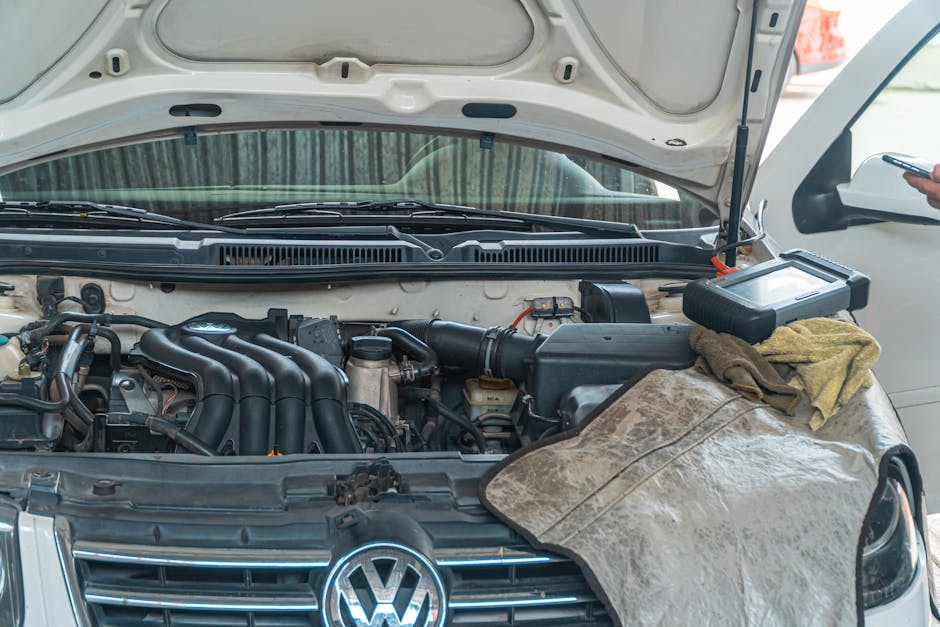
Here's where a lot of DIY car owners trip up: after AutoZone gives you the code, you still end up paying a mechanic $75-150 to do a more detailed diagnostic and tell you what the code actually means in your specific car. That costs money and takes time.
If you own a home OBD-II scanner, you can read codes yourself anytime, anywhere. No trip to AutoZone. No waiting. No middleman. BLCKTEC makes affordable, straightforward scanners that plug into the same diagnostic port AutoZone uses and give you the same code information at home—plus the ability to clear codes after a repair and track live data if you want deeper insight.
Looking for an OBD2 Scanner?
Explore BLCKTEC →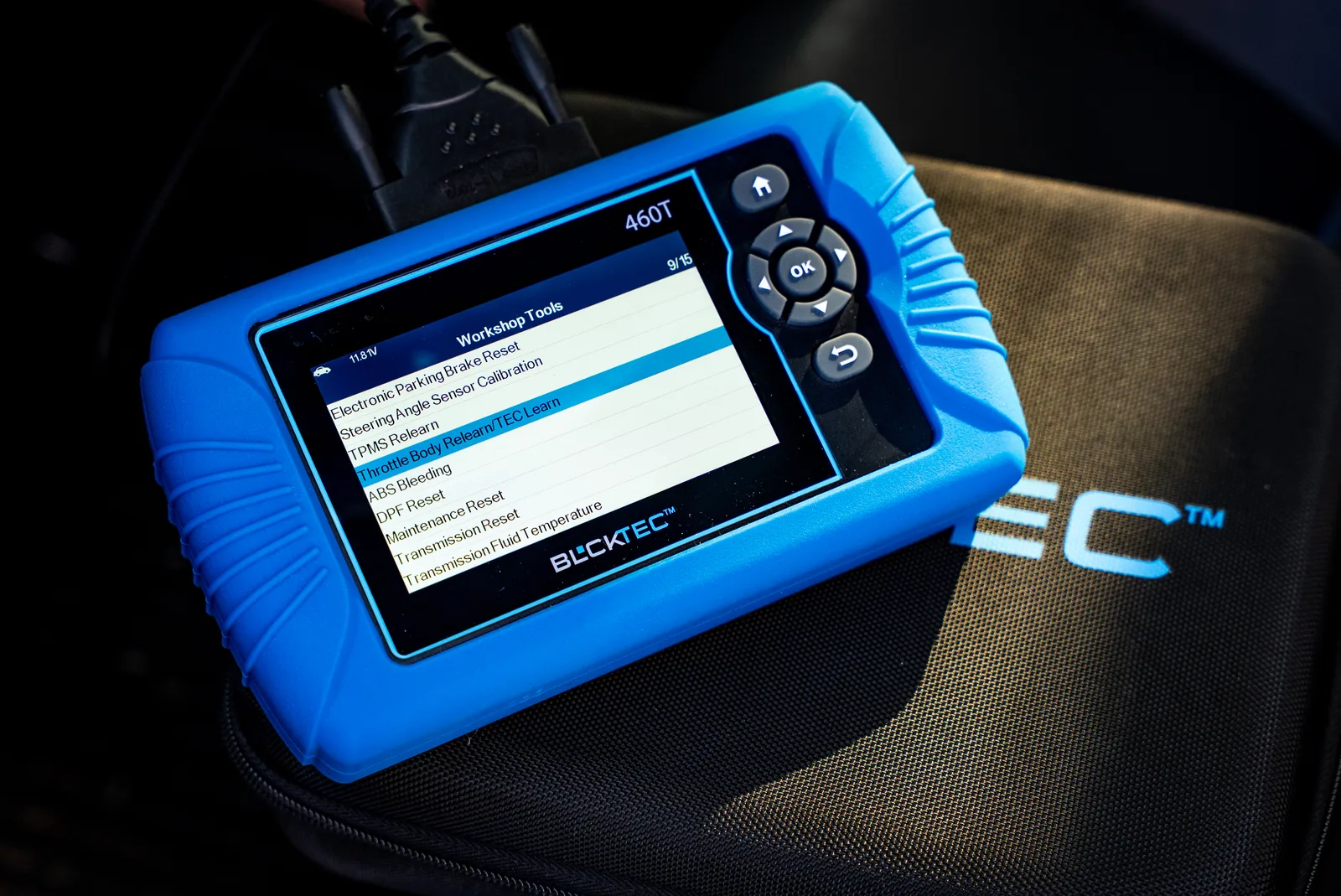
The real advantage isn't just saving the $15-30 on a single scan. It's peace of mind knowing you can check your vehicle's health whenever something feels off, and you're not dependent on store hours or someone else's schedule.
AutoZone Scan vs. Owning a Home Diagnostic Scanner
| Feature | AutoZone Fix Finder | Home OBD-II Scanner |
|---|---|---|
| Cost per scan | Free | One-time investment ($50-200) |
| Availability | During store hours | Anytime, anywhere |
| Code reading | Yes | Yes |
| Code clearing | No | Yes |
| Live data viewing | No | Depends on scanner |
| Multiple vehicles | Must visit each time | Use on all your cars |
| Detailed interpretation | Basic description | Varies by model |
The AutoZone scan is helpful as a first step, but if you're serious about understanding your car's health without relying on shops, investing in your own scanner pays off fast.
Is an AutoZone Scan Safe?
Yes. Plugging a scanner into your diagnostic port is completely safe. The scanner only reads data; it doesn't write to your car's computer or change anything. Thousands of mechanics, dealers, and DIY owners do this every day with no issues.
Related: Diagnostic Scan Tools for All Cars: Your Complete Guide
The diagnostic port itself is designed for this. It's a standard on every car sold since 1996 in the US, and it's been used by professionals for decades. You won't damage your vehicle or void a warranty by using it.
What to Do After Your AutoZone Scan

Once you have the trouble code in hand, here's the smart next step:
- Google the exact code. Look for vehicle-specific forums and repair guides. A code means something slightly different depending on your car's year, make, and model.
- Assess urgency. Some codes mean "fix this soon." Others mean "fix this before your next road trip." A few are severe safety issues. A quick search tells you which camp yours falls into.
- Decide: DIY or shop. If it's simple (like a gas cap that's loose), fix it yourself. If it requires tools or expertise, call a trusted mechanic with the code info in hand.
- Consider a home scanner for future use. If you're going to own a car for more than a couple of years, having your own diagnostic tool means you skip the free scan stage entirely next time and go straight to fixing or diagnosing the problem yourself.
Key Takeaway
AutoZone's Fix Finder scan is a legitimate free resource that reads your vehicle's trouble codes in seconds. Use it when a light pops up and you need a quick baseline. But don't treat it as the final word on what's wrong with your car—it's the first word. For real ownership and faster, cheaper repairs over time, a BLCKTEC home OBD-II scanner gives you the same access to your vehicle's data on your own terms, anytime you need it. No appointments, no store hours, no reliance on someone else's schedule. Just your car, your scanner, and the information you need to make smart repair decisions.
Common Questions About AutoZone Scans
Does AutoZone charge for a diagnostic scan?
No. AutoZone's Fix Finder scan is completely free. There's no charge for the scan itself, the printout, or the employee's time. It's a service they offer to help customers identify warning light causes.
Can AutoZone clear codes after scanning?
AutoZone does not clear codes with their Fix Finder service. They read and report codes only. To clear a code, you either need to fix the underlying problem (which usually clears it automatically), use your own scanner at home, or visit a mechanic. Some independent shops will clear a code for free, but policies vary.
How long does an AutoZone scan take?
The actual scan reading takes about 4-5 seconds. The whole process—walking in, describing the issue, locating the port, plugging in the scanner, getting the printout, and walking out—usually takes 5-10 minutes depending on how busy the store is.
Can you scan a car yourself without going to AutoZone?
Yes. If you own a home OBD-II scanner (like those sold by BLCKTEC), you can read codes anytime without visiting AutoZone. You plug the scanner into the same diagnostic port yourself, and it displays the trouble codes on a small screen. Many people find this more convenient because you're not dependent on store hours and you can scan your vehicle whenever you want.
Looking for an OBD2 Scanner?
Explore BLCKTEC →